
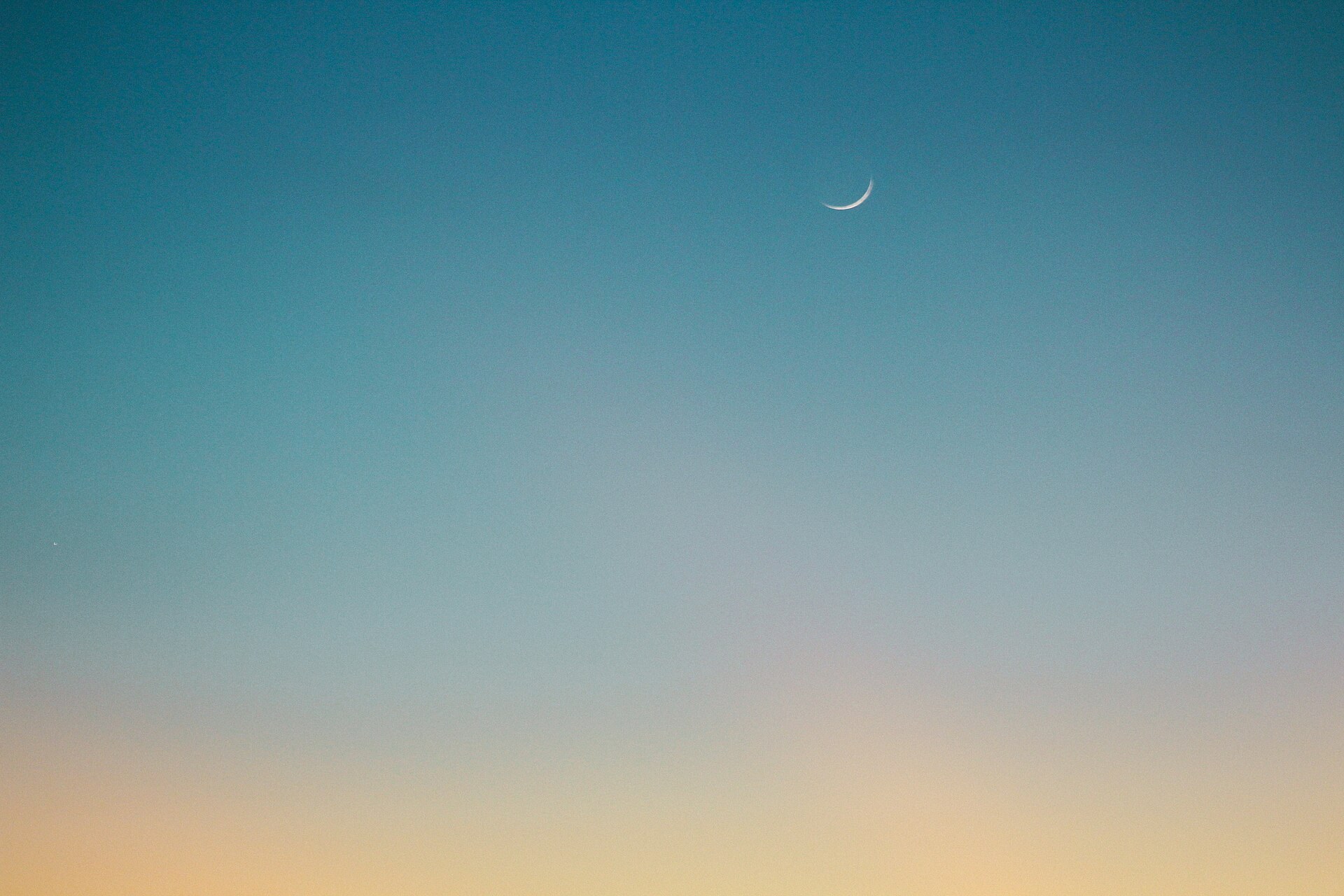
More bits = more color, more detail, and more editing freedom
You’ve probably heard about 8-bit vs 14-bit RAW, or noticed settings for “bit depth” when exporting a photo.
So what exactly is bit depth, and why does it matter?
Let’s keep it simple — and visual.
Bit Depth Defined
Bit depth is the number of color levels per channel your camera can record.
In digital photography, we use RGB: Red, Green, Blue.
Each color channel gets a range of values — and bit depth defines how many:
| Bit Depth | Tones per Channel | Total Colors |
|---|---|---|
| 8-bit | 256 | ~16.7 million |
| 12-bit | 4,096 | ~68 billion |
| 14-bit | 16,384 | ~4.4 trillion |
More bit depth = smoother transitions, better highlights, and less banding.
Why Bit Depth Matters
1. Smoother Gradients
- Sky transitions stay smooth instead of showing color bands
- Great for landscapes, long exposures, and fine color editing
2. Better Editing Flexibility
- High bit depth helps preserve detail when:
- Adjusting exposure
- Recovering highlights/shadows
- Changing white balance
This is especially important when shooting RAW.
Bit Depth in Real-World Use
| Format | Typical Bit Depth |
|---|---|
| JPEG | 8-bit (limited editing flexibility) |
| RAW (most cameras) | 12 or 14-bit |
| TIFF (export for print) | 16-bit |
| PSD (Photoshop file) | Up to 16-bit |
Should You Always Use High Bit Depth?
- YES if you plan to do heavy editing or print large
- OK to export in 8-bit JPEG for web or social media
- Use 16-bit TIFF for archival or high-end printing
Lightroom and Photoshop work best when editing in 16-bit mode.
Bit Depth vs Resolution
Bit depth = color detail
Resolution = image size
Both matter — but for editing, bit depth determines how clean and flexible your edits can be.
Final Thought
Bit depth is your editing safety net.
The higher it is, the more you can do without losing quality.
Don’t just think in pixels — think in tones.