
Freeze motion or blur it — with one setting
Shutter speed is one of the three core elements of exposure in photography, alongside ISO and aperture.
It determines how long your camera’s shutter stays open — and it has a huge impact on how you capture motion, light, and drama in your photos.
Let’s see how it works and when to use which speed.
Shutter Speed Defined
Shutter speed is the amount of time your camera’s shutter remains open to let light hit the sensor.
| Shutter Speed | Effect |
|---|---|
| 1/1000 sec | Freezes fast motion (sports, wildlife) |
| 1/125 sec | Good for handheld portraits or street |
| 1/15 sec | Allows motion blur or low light |
| 1 sec+ | Long exposure (waterfalls, night shots) |
Faster = freezes motion
Slower = shows motion
What Shutter Speed Controls
1. Motion
- Fast shutter = Freeze movement (e.g., runners, birds)
- Slow shutter = Capture movement (e.g., waterfalls, stars, light trails)
2. Exposure
- Faster = Less light
- Slower = More light
Tip: The darker it gets, the slower the shutter — unless you raise ISO or open the aperture.
Real-World Examples
| Scene | Shutter Speed |
|---|---|
| Running dog | 1/1000 sec |
| Walking person | 1/250 sec |
| Portrait outdoors | 1/125 sec |
| Forest at dusk (tripod) | 1/2 sec |
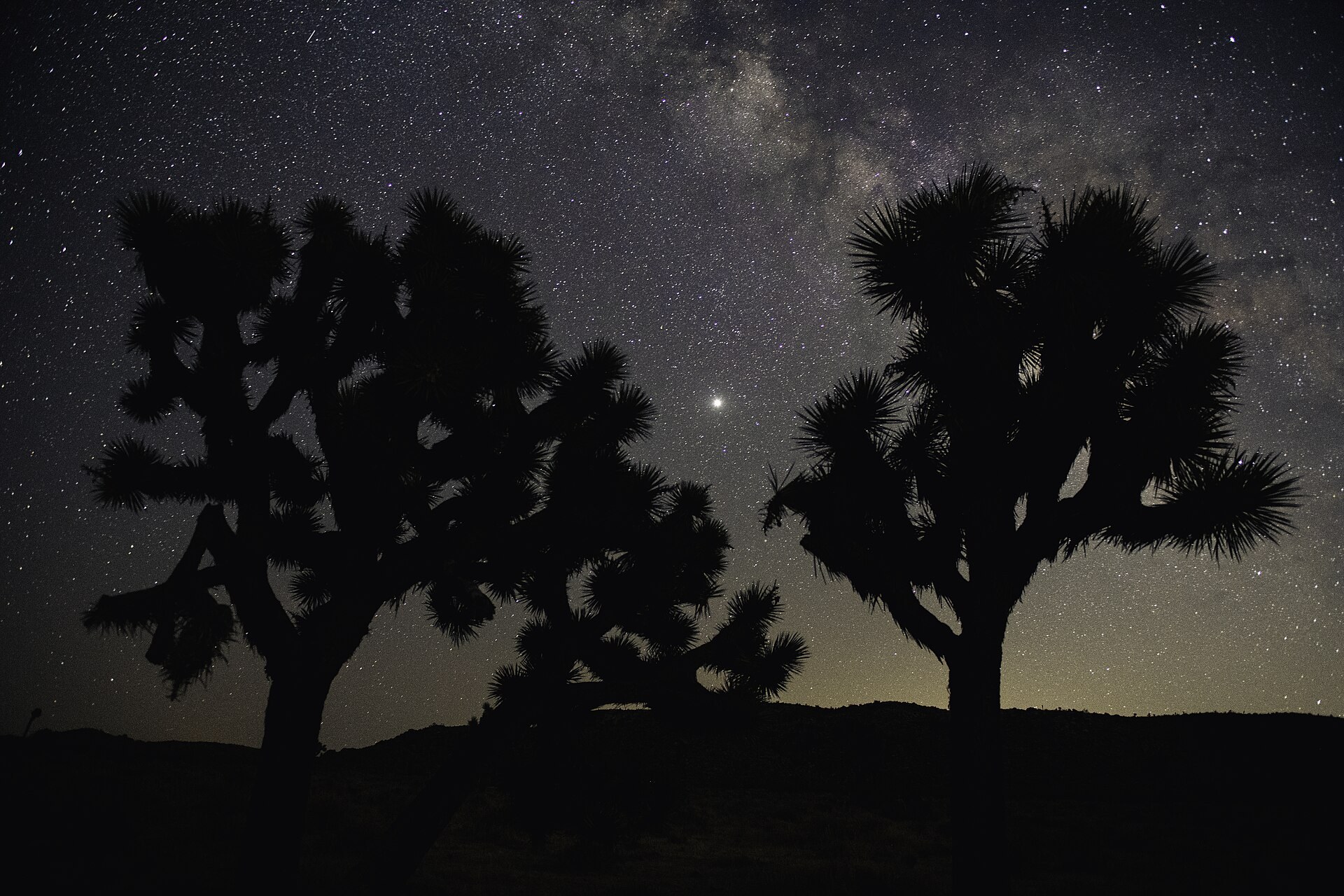
| Star trails | 15–30 sec (Bulb mode) |
Avoiding Camera Shake
To shoot handheld without blur, use this rule of thumb:
Minimum shutter speed = 1 / focal length
Example: With a 50mm lens, shoot at 1/50 sec or faster.
Or turn on image stabilization (IS/VR) if available.
For anything slower than 1/60 sec: use a tripod.
Shutter Priority Mode
Use Shutter Priority (S or Tv) on your camera to set the shutter speed manually — and let the camera pick the aperture.
Great for:
- Action photography
- Panning shots
- Long exposures
Final Thought
Shutter speed isn’t just technical — it’s creative.
It lets you show the world as it is — or as it moves.
Learn to control time, and you’ll unlock storytelling through motion.