
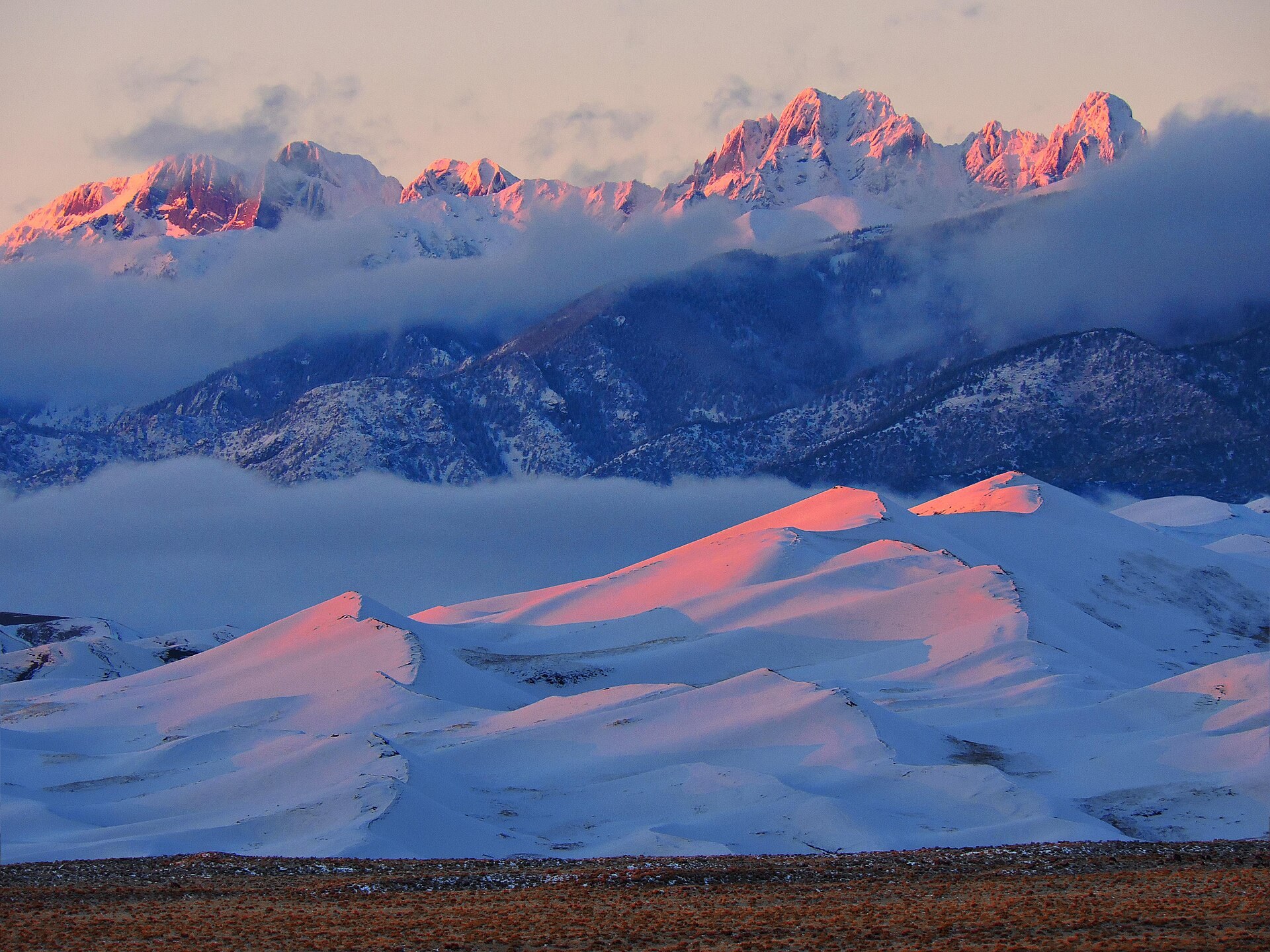
Get accurate colors by adjusting for the light you’re in
Ever taken a photo that looked too blue or too orange?
That’s likely a white balance issue.
White balance tells your camera what “white” should look like — so every other color falls into place.
Let’s explore how it works, and how to use it for creative and accurate results.
White Balance Defined
White balance (WB) is a camera setting that adjusts color temperature, so white objects appear truly white — regardless of the light source.
Light has different temperatures:
- Cool light (bluish) = shade, overcast, early morning
- Warm light (orange/yellow) = sunrise, sunset, indoor bulbs
Measured in Kelvin (K):
| Light Source | Approx. Temp |
|---|---|
| Candlelight | 1,800 K |
| Tungsten bulb | 3,200 K |
| Daylight (neutral) | 5,500 K |
| Shade / cloudy | 6,000–7,000 K |
White Balance Settings on Camera
Most cameras offer:
- Auto WB (AWB) – adjusts automatically (good starting point)
- Presets – daylight, cloudy, shade, tungsten, fluorescent
- Kelvin (manual) – set an exact color temp
- Custom WB – calibrate using a gray card or white object
For the most control, shoot in RAW — you can adjust WB after taking the shot.
Common White Balance Problems
| Problem | Fix |
|---|---|
| Skin tones too orange indoors | Use tungsten/indoor WB preset |
| Landscape looks blue in shade | Use “Shade” or set to 6,000–7,000 K |
| Sunset looks too neutral | Keep WB warmer (don’t correct it) |
| Mixed lighting (indoor + window) | Use custom or fix in post |
White Balance in Editing
In Lightroom or Photoshop:
- Use the Temp slider (blue ↔ yellow)
- Use the Tint slider (green ↔ magenta)
- Use the eyedropper tool to click a neutral gray or white area
Combine with color correction for perfect tones.
Creative Use of White Balance
White balance doesn’t always have to be accurate.
Use it creatively to set a mood:
- Warm WB = golden, nostalgic, emotional
- Cool WB = clean, modern, distant, mysterious
Final Thought
Get white balance right, and your colors feel true and intentional.
Get it wrong, and even the best photo might feel… off.
Learn it once — and your photos will never look washed or weird again.